

Application
The Ichingportal is a keyword search platform that lets you cross-reference the meanings of each hexagram against various web-apis, rss feeds and online platforms. The goal is to add hundreds of these feeds and let real-world data tell a unique story for each hexagram — creating a powerful enhancement to traditional I Ching readings. Create a profile by clicking on the Sign In menu link to save your coin toss results and like hexagrams.
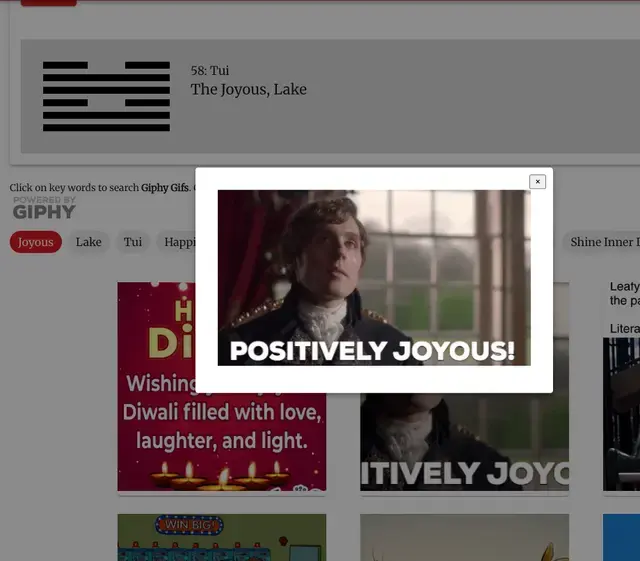
Go to the Toss the Coins page, type your question, and hit "Toss Coins". Receive your full reading with primary hexagram, changing lines, and transformed hexagram.
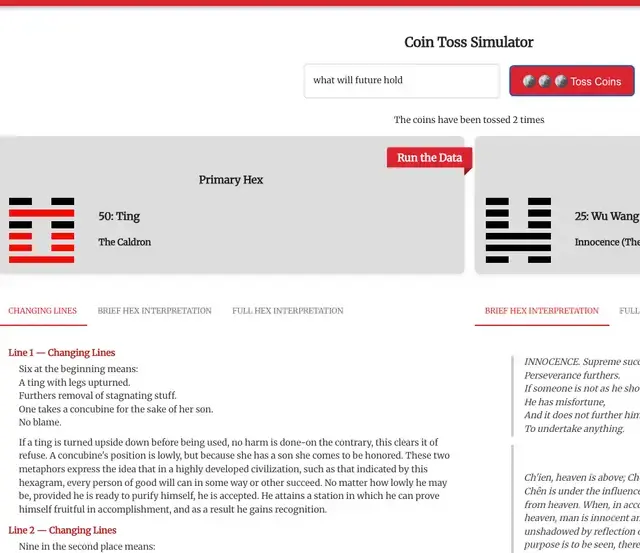
Click on any hexagram in the sidebar to get the full description of its meaning and lines. Click the “Explore the Data” button to open a modal and view unique interpretations from popular api's and news feeds. Dive deeper and explore the lines for each Hexagram by clicking on one of the six line accordions and clicking on “Line Data In Real Time” button.
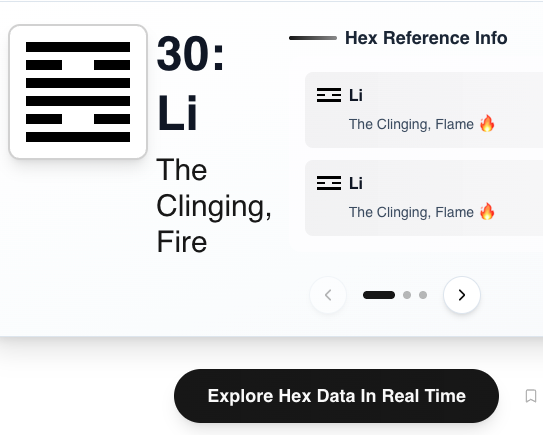
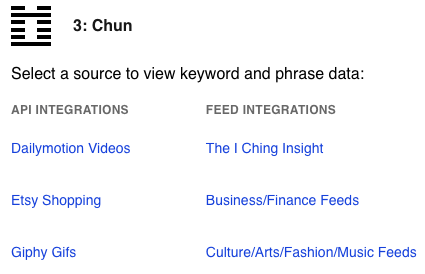
Clicking the “Explore Hex Data” button opens a modal where you can select data from multiple api's and feed integrations and instantly generate modern, unique interpretations of Hexagram meanings. Choose from one of the data links that catches your eye, memes, news, predictive markets, politics. YouTube are just a few of the offerings. More data integrations are coming.
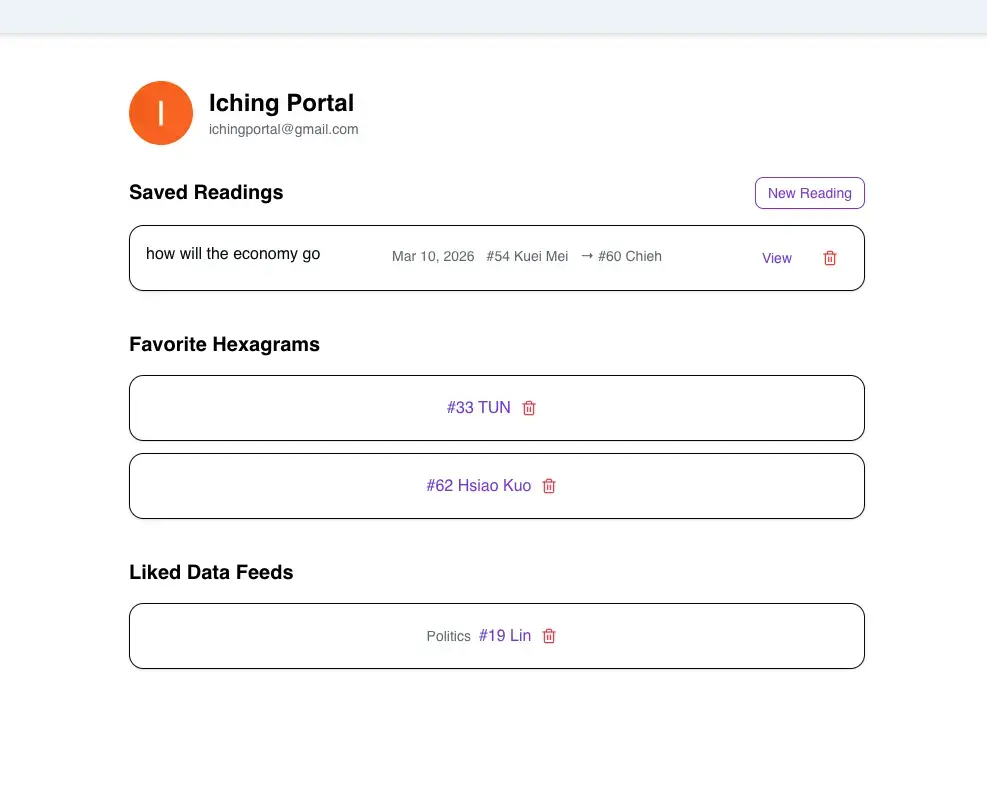
Just click the Sign In link on the sidebar, above the Hexagrams. Create an account with your Google or Facebook account or just enter your email address. Setting up an account allows you to do a coin toss and save it to your profile. Users without an account can save their coin toss as well but it only stays in your brower storage for 12 hours. You can also save your favorite hexagram, look for the 'Save Hex to Profile' adjacent to the Explore Hex Data button. Save your favorite data integration as well. Look for 'Like this Feed' link on the top of each data integration page. Once logged into your account you will see the My Profile link on the side bar. That will take you to your profile page where you can see your saves hexagrams and integrations.
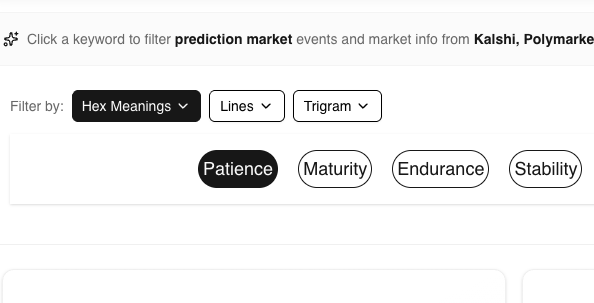
Once inside an integration page, use one of 3 filters to dive deep on each Hexagram (Hexagram Meanings, Lines and Trigrams). Hex Meanings give you an overview with keywords and phrases providing a general meaning or broad overview. The Lines and the Trigrams filters allow you to drill down on these meanings and get a detailed understanding of the structure of the hexagram. Click on any keyword badge in the carousel array below instantly query and display relevant data from the selected integration (ie Bluesky, Youtube or any of the news feeds).
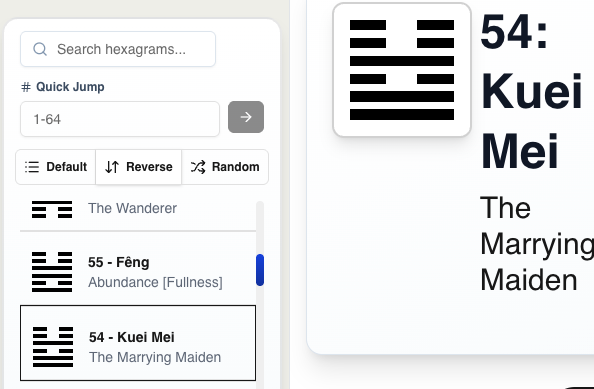
The side bar navigation gives you the option to curate you search. View in sequence, reverse or random. Use Quick Jump to find any a specific number or search a specific Hexamgram by name and info using the Search Hexagram input.
 Support us on Ko-fi
Please help support this site by making a purchase on Etsy to help us generate revenue to cover monthly server and production costs. I am currently building a unique shopping experience similar to what you see here, but for the moment check out our Etsy integration here.
Shop on Etsy →